Showing posts with label backup software. Show all posts

Friday, January 21, 2011

Driver Genius Professional 10.0.0.712 11.01.2011


Driver Genius Professional 10.0.0.712 11.01.2011 | 9.75 Mb


မိတ္ေဆြတို ့စက္က Driver ေတြအတြက္ပါ။
ဒီဗားရွင္းက XP/VISTA/WINDOW7 ေတြပါရပါတယ္။


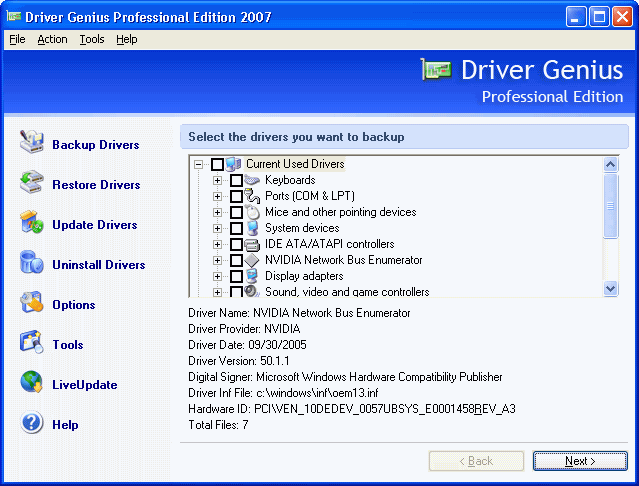
Driver Genius Professional is a professional driver management tool features both driver management and hardware diagnostics. Driver Genius provides such practical functions as driver backup, restoration, update and removal for computer users. If you often reinstall your operating system, you may not forget such painful experiences of searching all around for all kinds of drivers. If unfortunately you have lost your driver CD, the search will be more troublesome and time-consuming.
Now with the driver backup function of Driver Genius, you can backup all drivers in your computer before reinstalling, and restore them with the driver restoration function after system reinstallation has been completed. This will dramatically save your time for driver installation during the system installation procedure, and you will no longer worry about where to find a driver. Besides, you can create an automatic installation package for all drivers in your system by Driver Genius.

Tuesday, December 14, 2010

Driver Genius Professional 10.0.0.526


Driver Genius Professional 10.0.0.526 6.5 MB

Driver ေတြရွာရတာေခါင္းကိုက္တဲ့လူေတြအတြက္ပါ။
အဆင္ေျပႀကပါေစဗ်ာ။


Monday, September 27, 2010

Backup Your Drivers Before Formatting


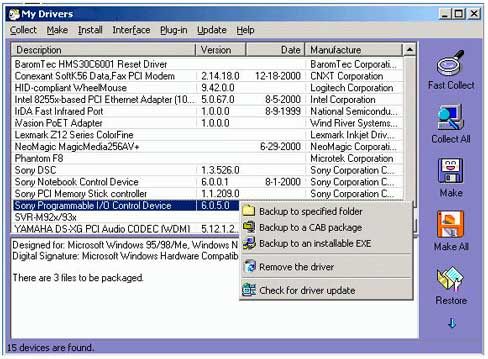
Backup Your Drivers Before Formatting 6.8Mb


WinDriver Ghost provides you the easy and fast detection, backup and restore of the entire hardware device drivers currently on your system. With it, you can even find the latest drivers for your hardware and install them onto your computer. Just one or two mouse button clicks, you will have all your hardware devices extracted and backuped to any folder you want. When you reinstall or upgrade your system, you can restore them by clicking a button, after reboot once, all the drivers will be installed and will function well. Also you may choose to backup a certain driver or the entire drivers to an EXE automatic installer. If you have a hardware that is troublesome, just remove it with the software.


Wednesday, September 22, 2010

Backup4All Professional 4.4.218


Backup4All Professional 4.4.218 | 20.44 MB


Backup4all is an award-winning data backup software for Windows. This backup utility was designed to protect your valuable data from partial or total loss by automating backup tasks, password protecting and compressing it to save storage space. This backup application is feature rich and offers an intuitive interface making all features easily accessible for both beginners and professionals. Using Backup4all you can easily backup to any local or network drive, backup to FTP (with support for SSL encryption, proxy server, passive mode), backup to CD/DVD, or other removable media (such as USB drives). Our backup utility performs all four backup types: full backup, differential backup, incremental backup and mirror backup. Using the wizard you can easily set up any backup configurations you wish. You can define powerful file filters and schedule your backups any way you want. Once a backup is performed, you can see what files changed since the last backup using the explorer-like tree view or you can read the statistics about the next backup execution. In the case of many other backup software programs, files that are in use during the backup may not get backed up successfully because they are locked to prevent programs from modifying the data. With Backup4all you can backup open or locked files (XP/2003), such as databases, MS Outlook personal folder (.pst), Outlook Express mail archives (dbx files) and others. When defining a backup, there is also the option to run predefined backups, such as My Documents, My Pictures or Outlook Express emails and settings


Friday, July 2, 2010

iPhone Backup Extractor 2.4 Portable


Iphone သံုးတဲ့သူေတြအတြက္ပါ။လိုအပ္မယ္ထင္ပါတယ္။
အဆင္ေျပႀကပါေစဗ်ာ။


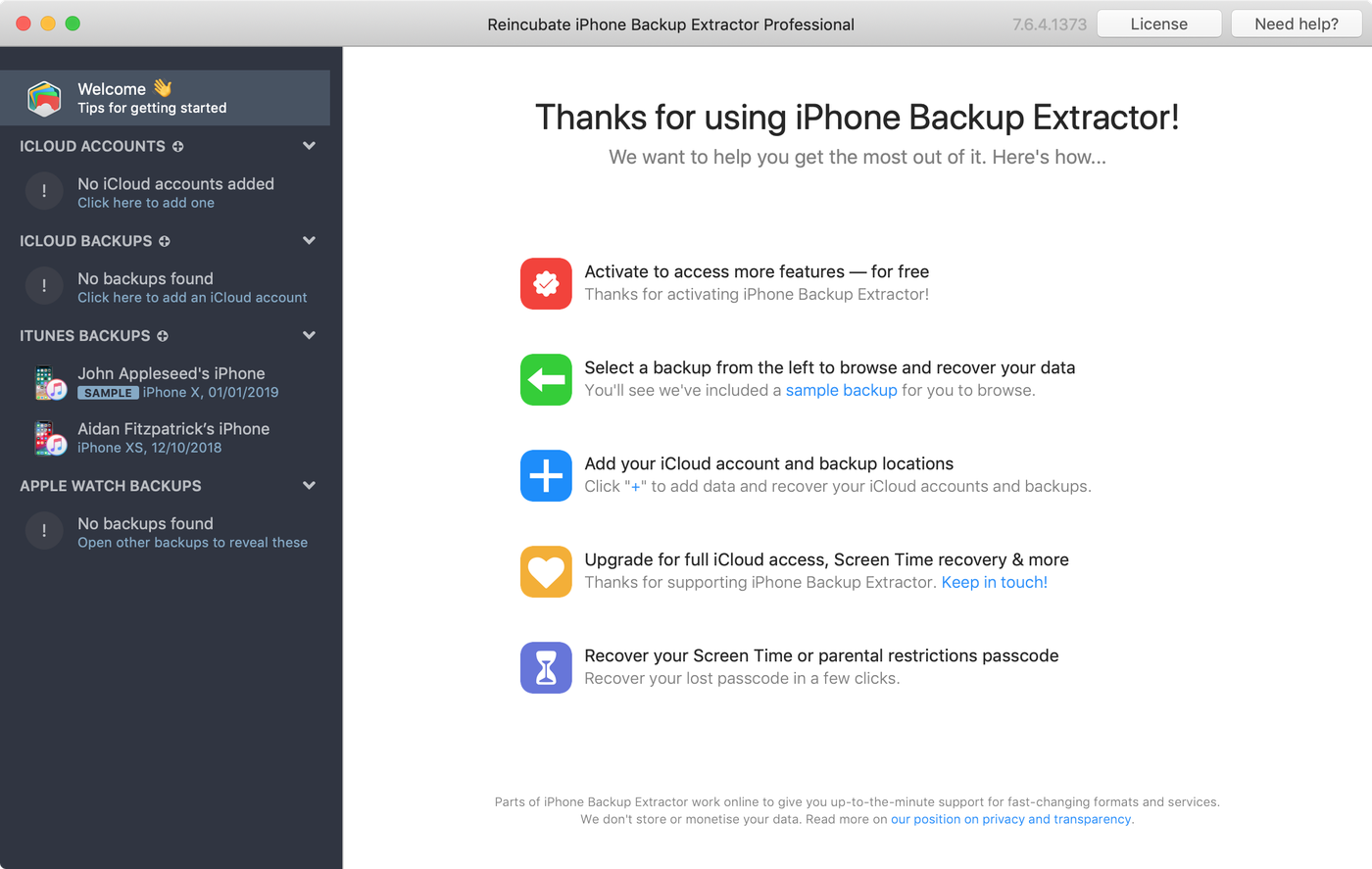
he iPhone Backup Extractor is an easy-to-use program to extract files from an iPhone, iPod Touch, iPhone 3G or iPhone 3G s iTunes backup. It is useful for restoring AppStore applications, SMS histories, contact lists, call histories, photographs and other data that might otherwise be inaccessible. The registered version can automatically convert the extracted Apple databases into CSV format, so they can be easily imported into Excel, Outlook, or Webmail.


Tuesday, June 22, 2010

Driver Genius Professional Edition 9.0.0.182

Driver Genius Professional Edition 9.0.0.182 18.9 MB


၀င္းဒိုးအသစ္တင္တဲ့အခါမွာ Driver ေတြျပန္ရွာရတတ္ပါတယ္။
အဲ့ဒီျပသနာေတြကိုေျဖရွင္းေပးမဲ့ေဆာ့လ္၀ဲလ္ေလးပါ။
ဒီေဆာ့လ္၀ဲလ္ေလးက Driver ေတြကို Backup လုပ္ေပးပါတယ္။
အဆင္ေျပႀကပါေစဗ်ာ။


ကိုျမတ္ © 2008. Template by Dicas Blogger.

TOPO